For solo designers & realtors

Three directions.
One photo.
Forty-five seconds.

Stop burning twelve hours on unpaid mood-board work for a pitch that might ghost. Show your client three rendered directions — live, on the call — then email them a studio-branded PDF with every object sourced as a shoppable SKU before they hang up.

45sper rendered direction
3directions per photo
14 daysfree — card required
Powered by Google Gemini 3.1 Flash · Canada & US · Built in British Columbia 🇨🇦
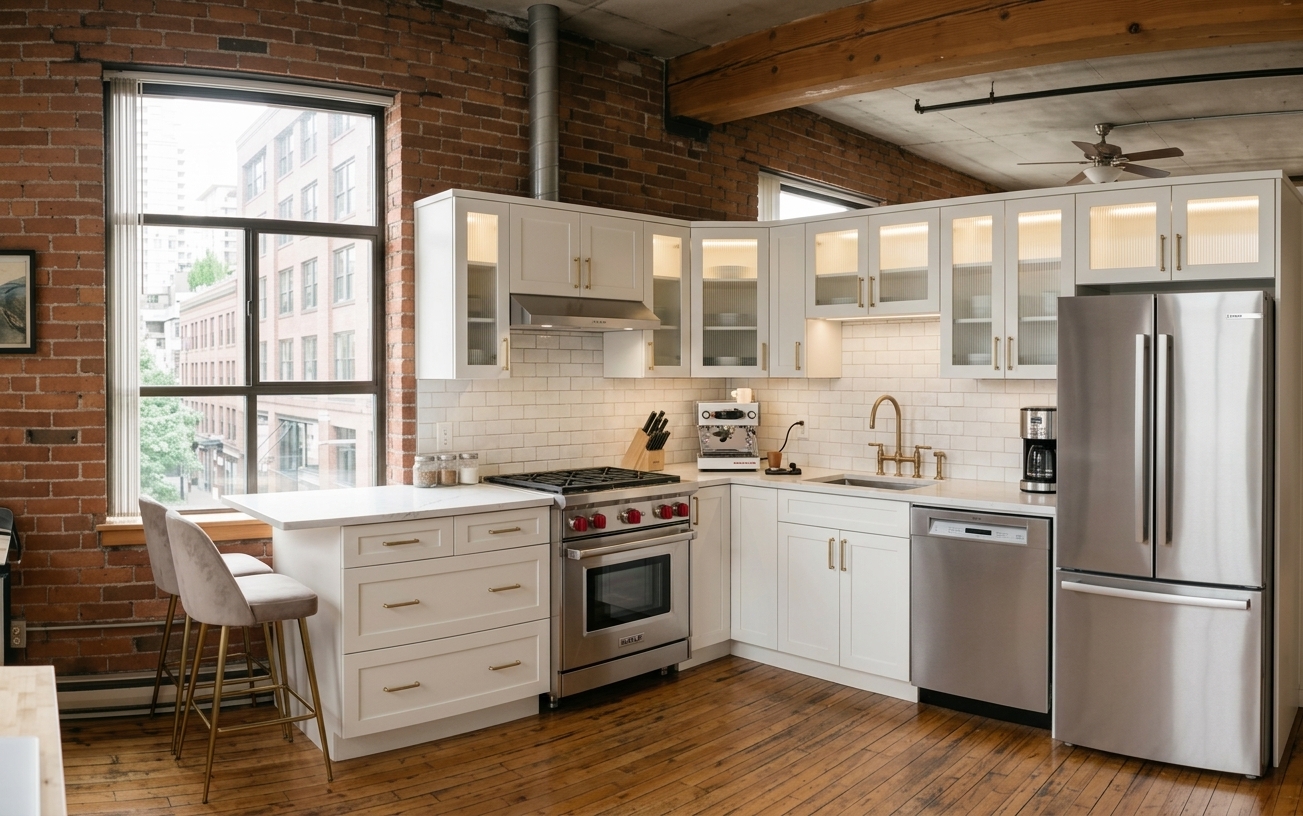
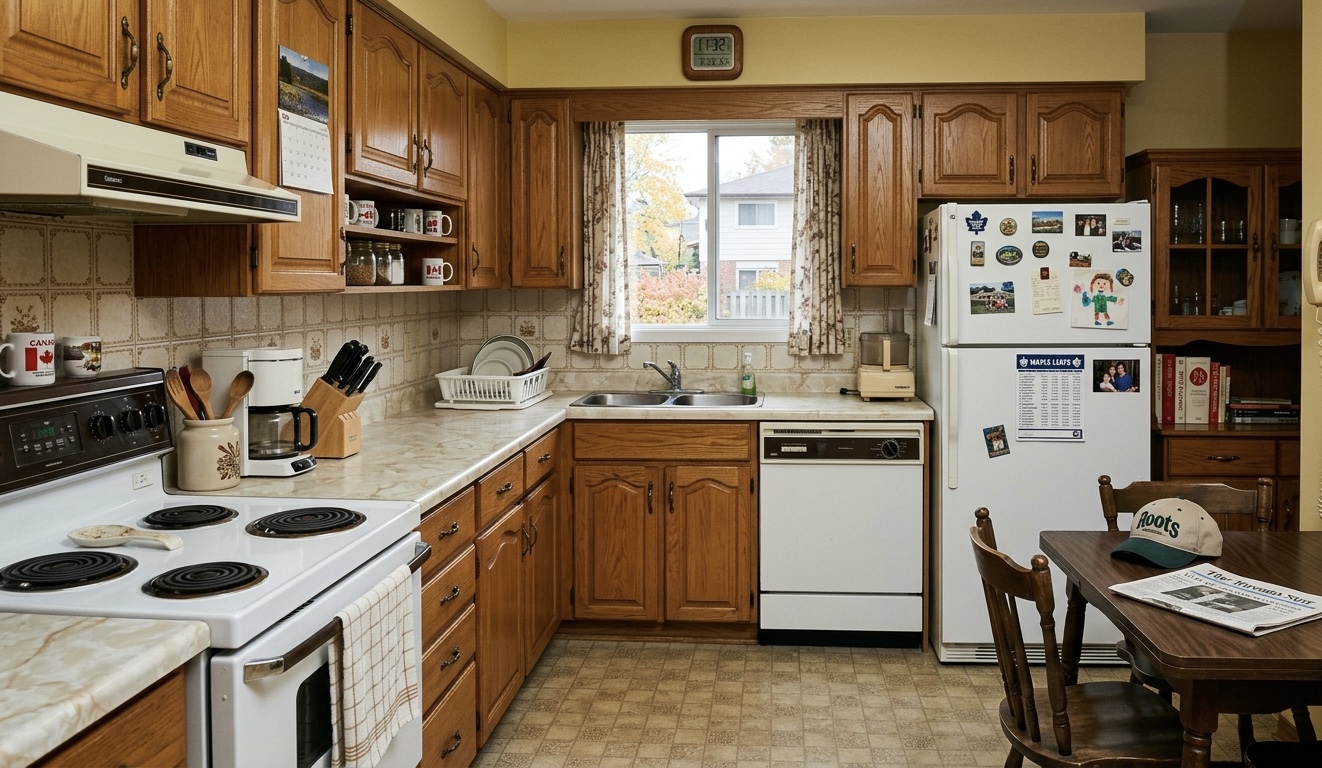
Example render · Studio loft 1 / 4
Source photo
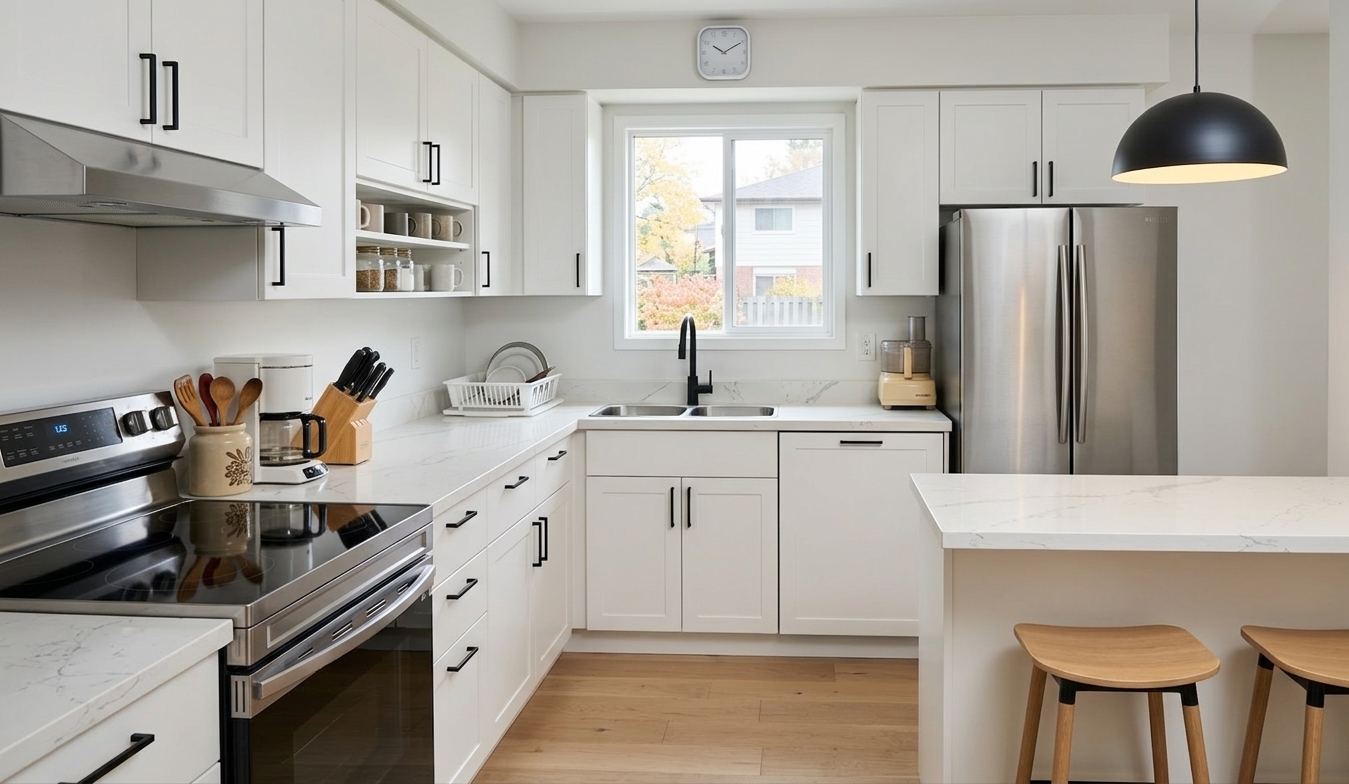
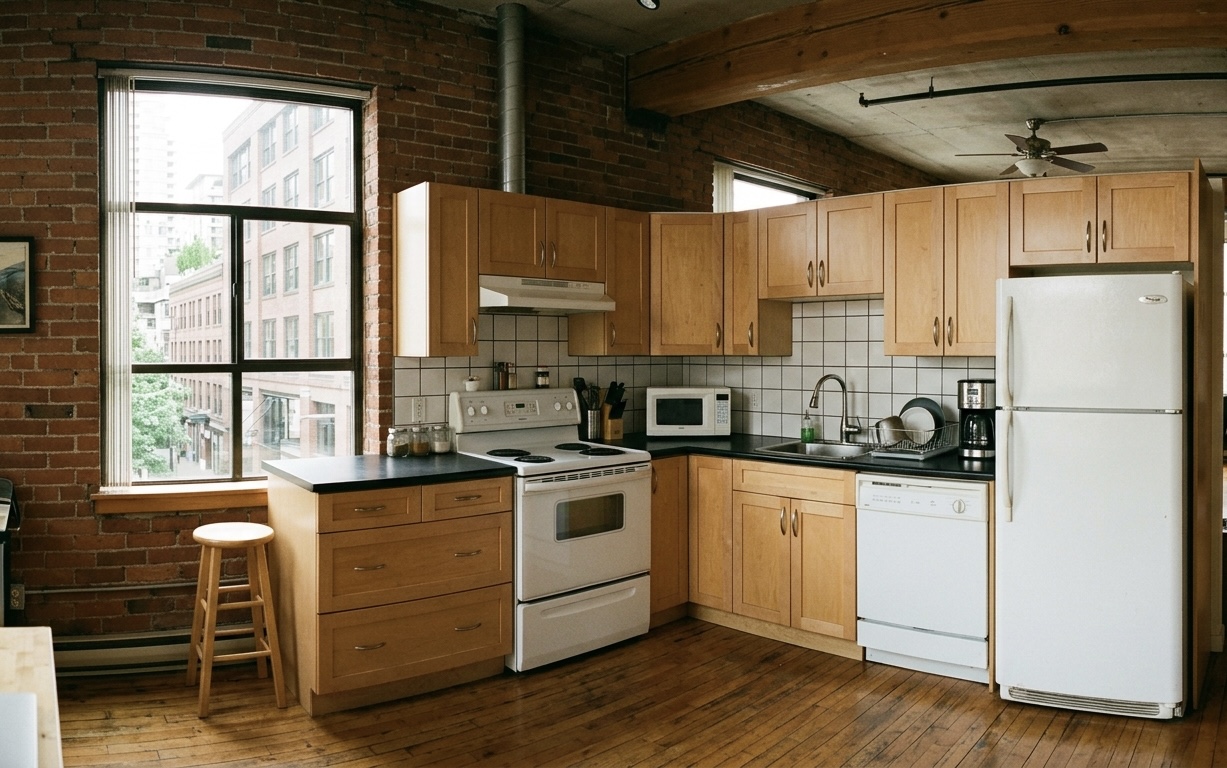
Example source photo — industrial loft kitchen with wood cabinets, white appliances, and exposed brick walls
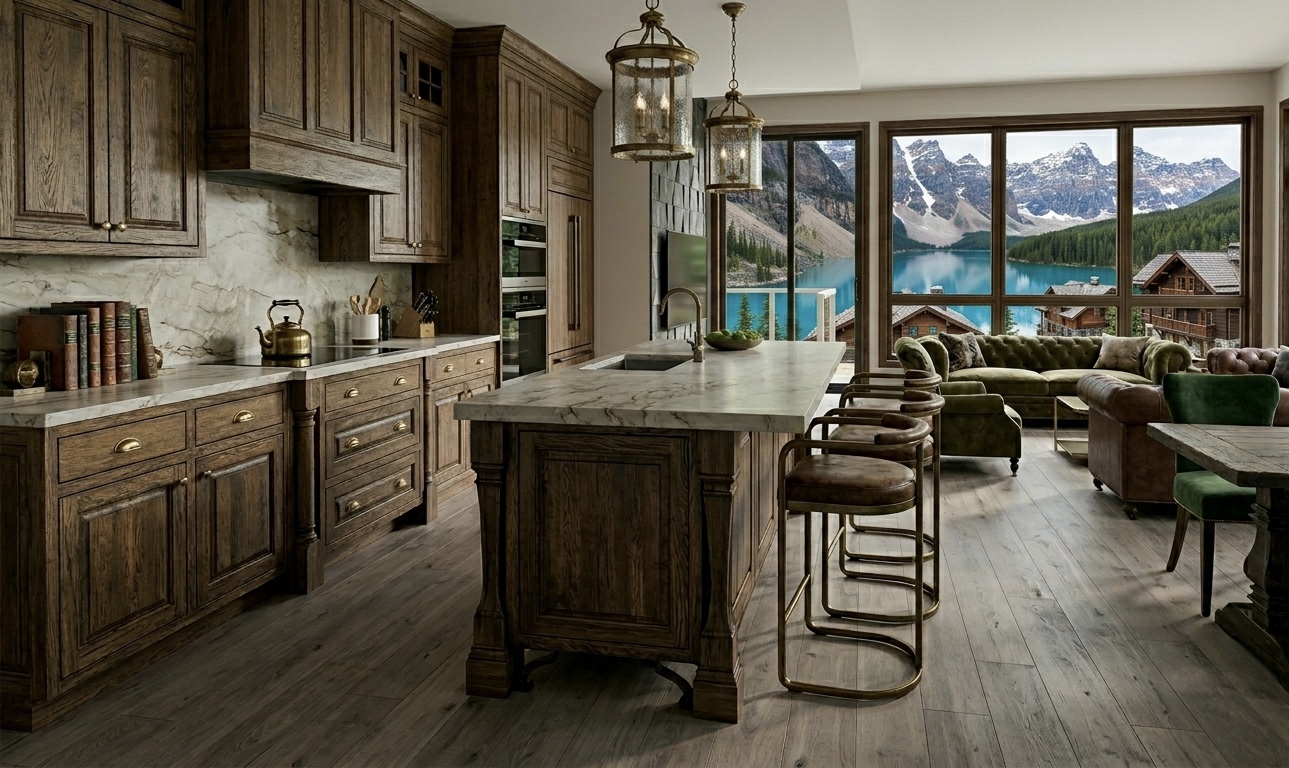
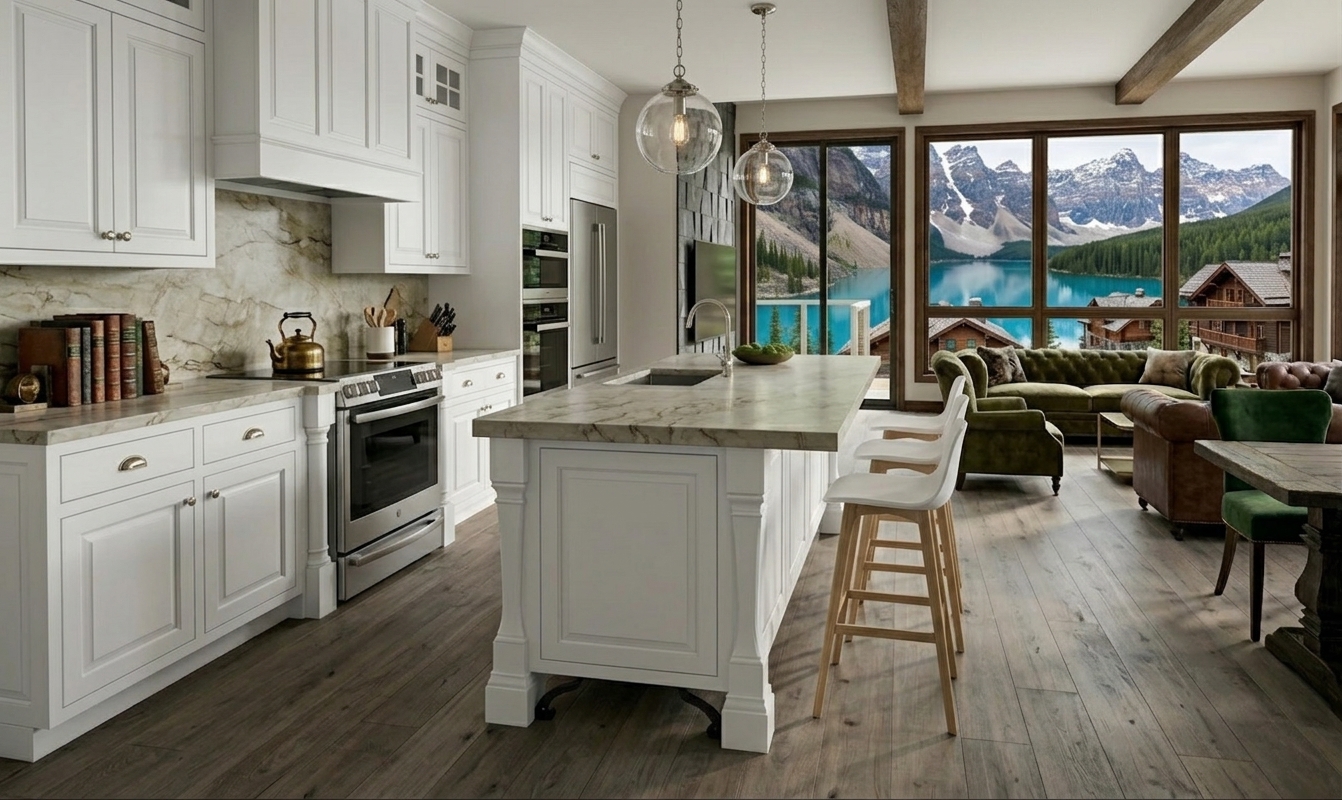
Direction · warm modern
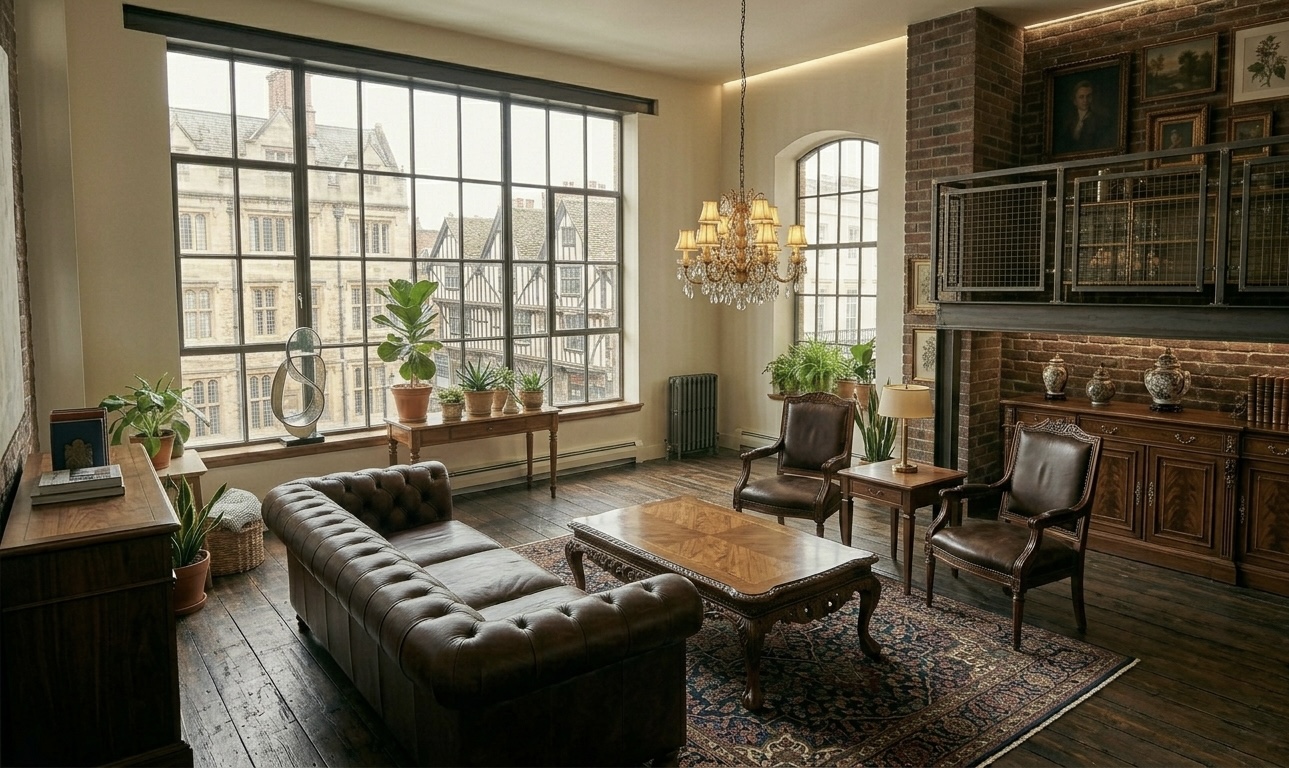
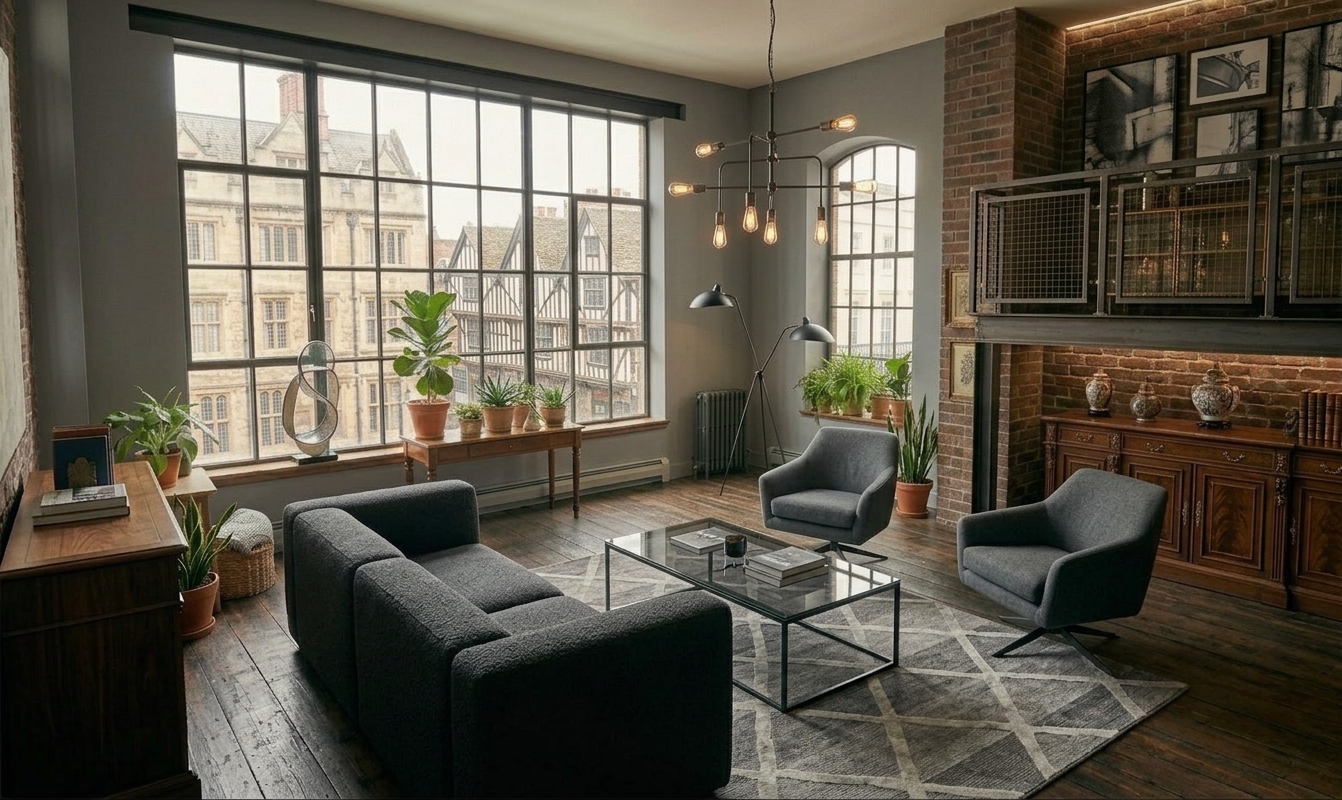
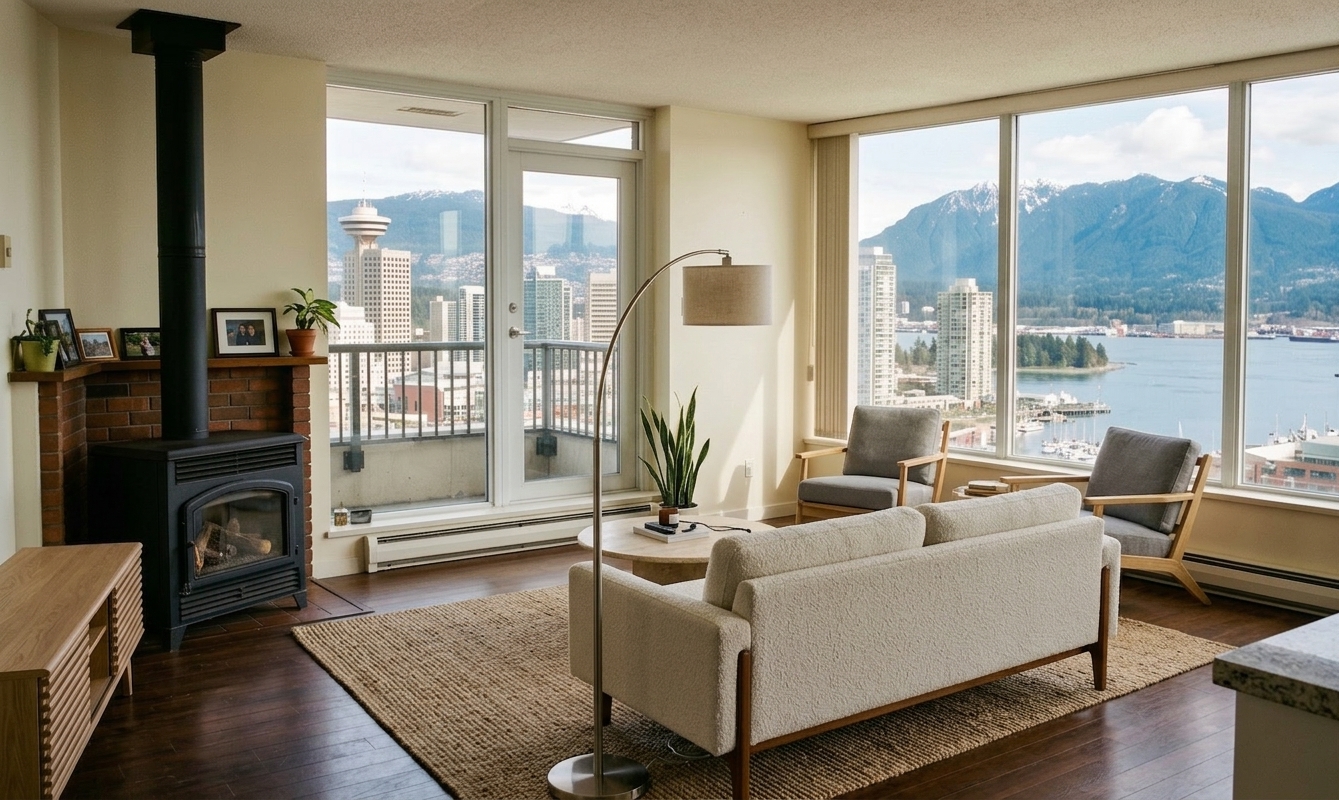
Example rendered direction — warm modern with white shaker cabinets, brass hardware, marble counters, pro-grade stainless range, and a counter espresso bar
OutputMultiple style directions · shoppable SKU list
DeliverableStudio-branded PDF
Per-render time~45 seconds · target
Illustrative demo — not a real customer project.
The pitch flow

Five steps. One call. No Monday follow-up.

You used to open Canva, SketchUp, Milanote, and three Pinterest tabs to prep directions for a pitch that might ghost anyway. Now you do it live, on the call, while your client is still decided.

01
Snap
Client emails you a phone photo of the room. Or your site-visit shot. Any angle.
02
Pick a vibe
Modern · Warm · Moody · Studio preset — or describe one in plain English.
03
Render ×3
Three different directions generate in about 45 seconds. Share your screen live.
04
Source
Every rendered object is a real shoppable SKU — Amazon, Home Depot, Wayfair links.
05
Send PDF
Your studio logo, your colors, sent to the client before they hang up.
What's inside every Designer plan

Four tools. One pitch. No Photoshop.

Every feature exists for one reason: to move a hesitant client from "let me think about it" to "when can you start" before the pitch call ends.

01

Three-Direction Render

One photo → three photoreal directions in 45 seconds. Shared live on your Zoom screen.

1 photo · 3 renders
02

Sourced-SKU List

Every pillow, lamp, and rug in each render is a real shoppable product — Amazon, Home Depot, Wayfair affiliate links.

Auto-tagged
03

Studio-Branded PDF

Your logo, your studio name, your fonts. Client gets a polished document that looks like it came from you — because it did.

One-time brand setup
04

Pitch Presenter Mode

Full-screen, client-facing view. No app chrome, no pricing, no watermarks. Just the renders, on the call.

Live on Zoom

HandeeFriend is a decision-support system. We generate renders and source products — we don't give labor quotes, appraisals, or valuations. Your client takes the PDF to a licensed contractor for the firm estimate.

One plan, one price

Designed for one pitch a week.

If HandeeFriend helps you close one extra project a month, it pays for itself forty times over.

Designer
$948/yr
Save 20% · $79/mo equiv · 14-day free trial
  • 30 renders per month
  • Three directions per render
  • Studio-branded PDF export
  • Pitch Presenter mode
  • Amazon + Home Depot + Wayfair affiliate commissions (yours)
  • Material Price Index reference bands
  • Add-on render packs from $19
  • Email support <24h
Start Designer trial →
Designer Pro
$1,908/yr
Save 20% · $159/mo equiv · 14-day free trial
  • 100 renders per month
  • 4K output resolution
  • Priority render queue (<20s)
  • Advanced style library (12+ presets)
  • Add-on render packs available
  • Everything in Designer
  • Priority email support
Start Pro trial →
Not a designer?

Homeowners render their own rooms — free.

Free for homeowners testing, $9.99/mo for active DIYers who need more than 3 renders a month. See the homeowner page →

Homeowner Free
$0forever
3 renders / month · no card needed
Try free — no card →
Homeowner Plus
$95.88/yr
15/mo · save 20% · 14-day trial
Start Plus trial →

Need more renders mid-month on any tier? Add-on packs from $19 for 10 or $79 for 50 — credits never expire. Full pricing breakdown →

Before you ask

The honest questions.

Can I really generate three directions during a live Zoom pitch?
Yes. The render pipeline ships each direction in about 15 seconds; three of them together land in 45 seconds. You share your Zoom screen, open Pitch Presenter mode (no app chrome, just the renders), and walk your client through each direction. Email the PDF before you say goodbye.
How accurate are the rendered products? Can the client actually buy them?
Yes. Every object in each rendered direction is tagged to a real SKU on Amazon, Home Depot, or Wayfair — we use Google Gemini to identify the object type and find the closest shoppable match. Links in the PDF are your affiliate links (we set that up in your studio profile), so when clients buy, you get the commission. Match accuracy is ~85% on common categories (sofas, rugs, lamps, art); rarer items occasionally miss — in which case you swap them from the app in one click.
Is the PDF really branded to my studio?
Yes. One-time setup on day 1: upload your studio logo (PNG with transparent bg), pick two brand colors from a palette, type your studio name and tagline. From that point every PDF carries your identity in the header + footer. Clients open the file and see your brand, not ours.
What if my client doesn't like any of the three directions?
You generate three more. On Designer ($99/mo · 30 renders) that uses up your monthly quota faster; on Designer Pro ($199/mo · 100 renders) you've got headroom for regenerations across several pitches. If you run dry on either tier, add-on packs ($19 for 10, $79 for 50) top you up — credits never expire. In practice, clients anchor on one of the first three and redirect from there ("I like this one — can you make it lighter?") — which becomes a targeted regen of one direction, not a full three-render burn.
Can I charge my clients for the renders?
Absolutely. Plenty of our designers include a "visualization service" line on their proposal at $200–$500 per pitch. Your margin on that is 100% — you pay us $99–$199/mo flat and bill your clients whatever the market bears. Nothing in our terms prevents that.
Designer vs Designer Pro — which should I pick?
Designer ($99/mo) works for 1–2 pitches per week. 30 renders/mo covers ~10 client pitches at 3 directions each. Designer Pro ($199/mo · 100 renders) is for busy studios: ~33 full pitches a month, 4K output, priority queue (<20s), and a wider style library. Both tiers can buy add-on packs if you need more — $19 for 10 renders or $79 for 50. If you're on Designer and consistently buying the 50-pack, upgrading to Pro is usually the cheaper move.
Is this an appraisal or valuation tool?
No — and we're deliberate about that. HandeeFriend is a decision-support system. We generate renders, source products, and reference material-price bands. We don't produce labor quotes, appraisals, or valuations. Firm costs come from the licensed contractor your client hires after seeing the PDF. Your lender, your inspector, and your regional tribunal will thank us for holding that line.
What AI does it use?
Google Gemini 3.1 Flash for both the render pipeline and the object-to-SKU matching. No OpenAI, no DALL-E. Gemini's rendering quality on interior spaces is currently the best-in-class for this use case — you can test it with your own photos during the trial.
Who owns the renders and PDFs?
You do. Always. Cancel any time and keep every render, every sourced list, and every PDF you've ever exported. We don't paywall your past work.
Launch week — first 50 designers

Your next pitch closes here.

14 days free. Card required. Cancel in one tap. Keep everything you make.

Start your 14-day trial →